Get started
Saving memories
Save links, notes, images, documents and voice from one capture bar.
Links, notes, images, documents, and voice all go through the same capture bar.
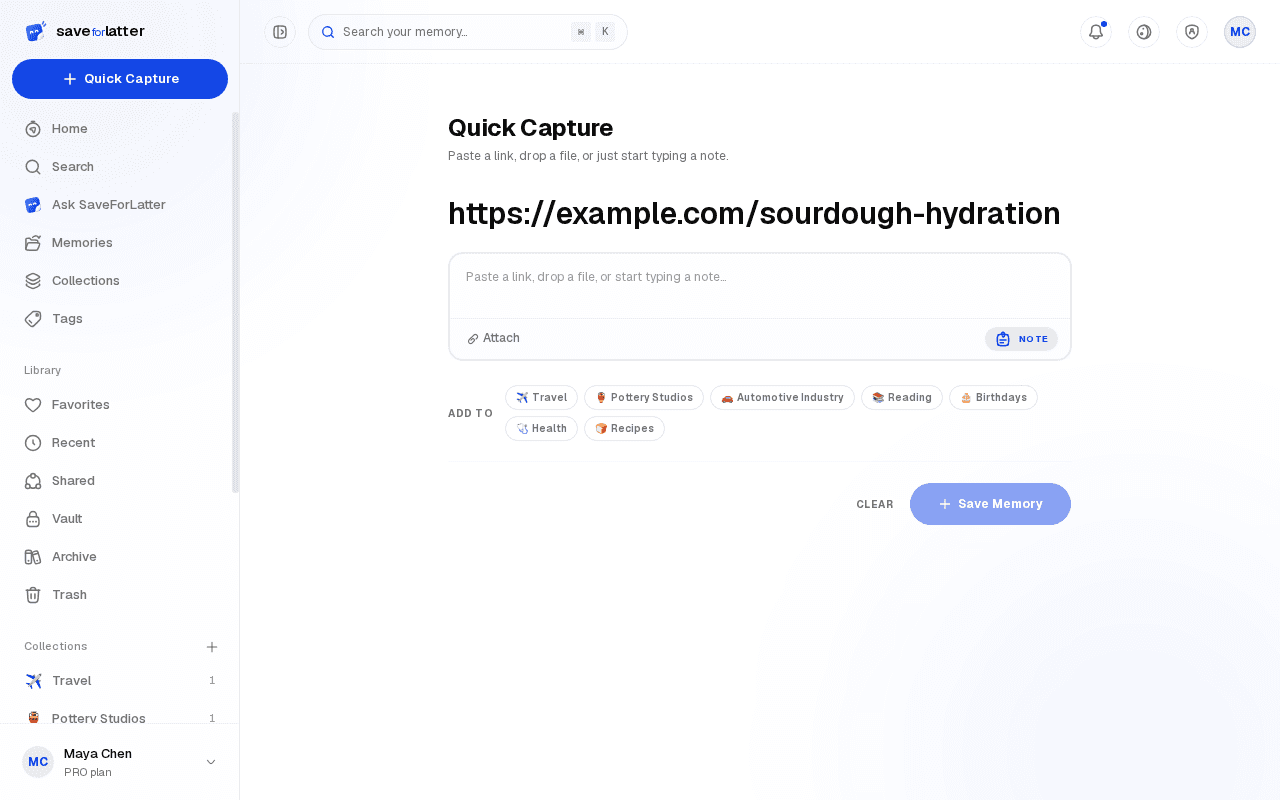
Save a link
Paste a URL. The page is fetched, read, summarized, and tagged automatically once AI is configured.
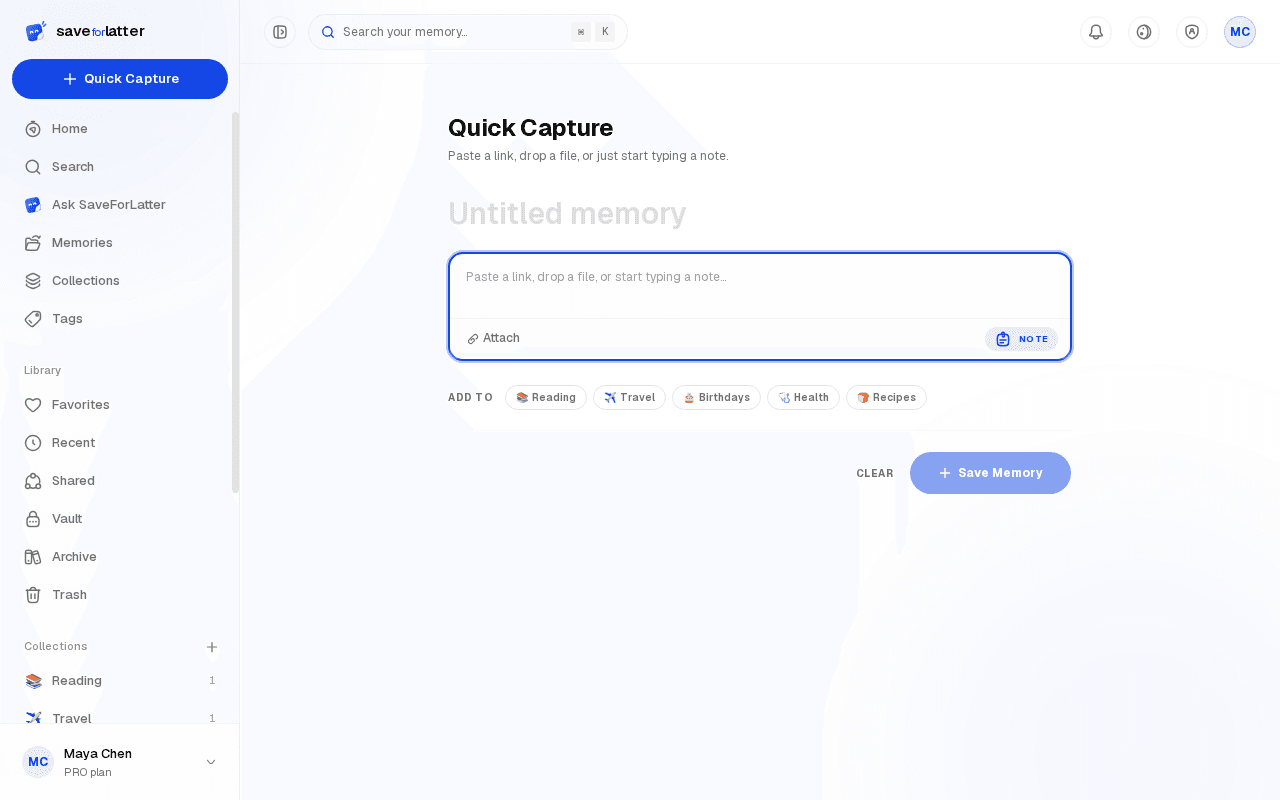
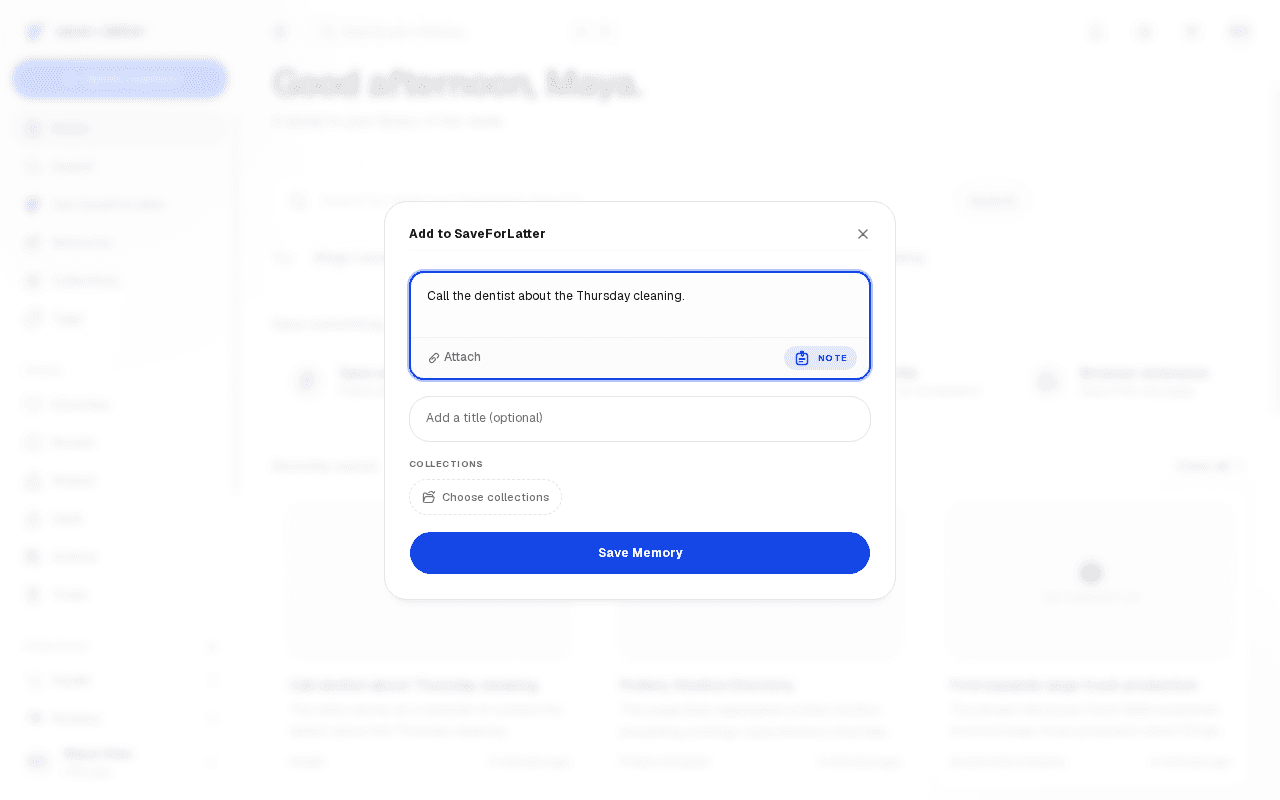
Save a note
Type plain text — an idea, a quote, a reminder. Notes are yours as typed; nothing is rewritten, only lightly spelling-corrected if it's a caption alongside a link.
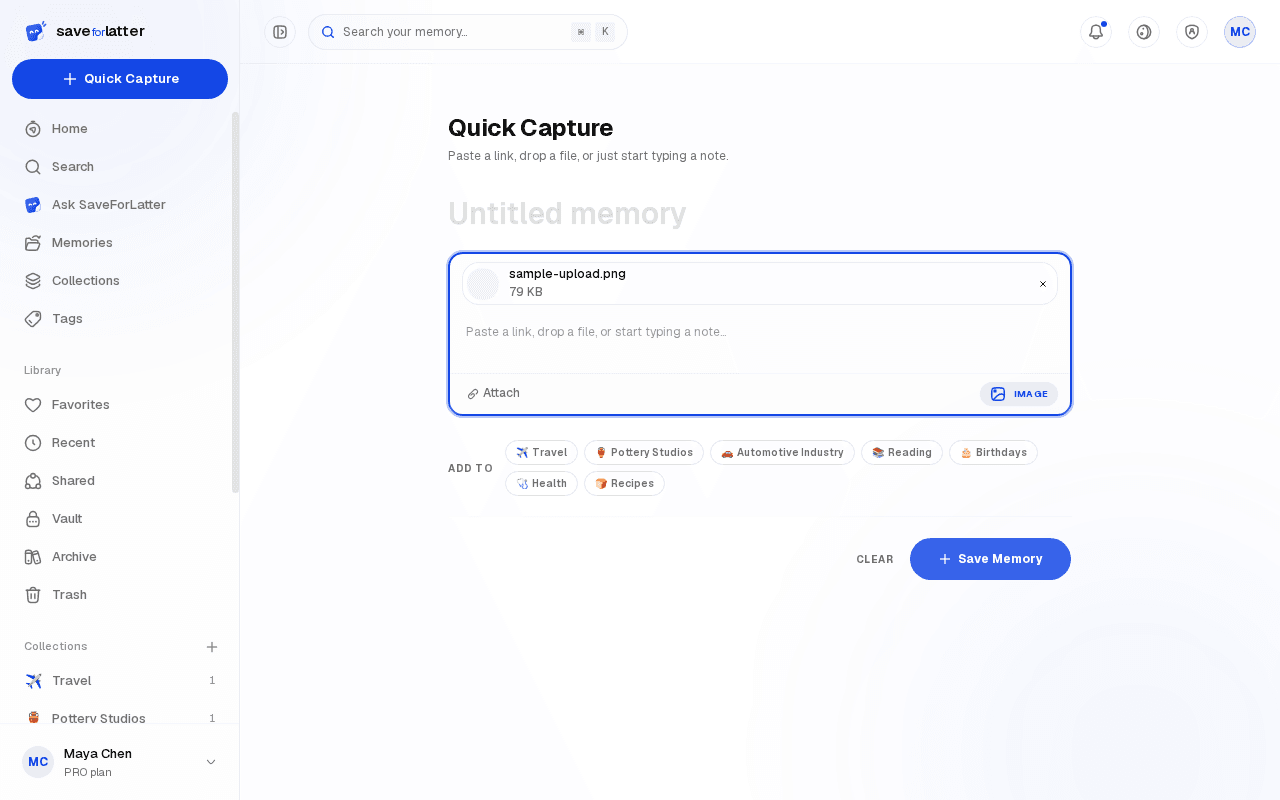
Upload a file
Images get OCR text extraction plus a visual description; PDFs get their text extracted (large ones are summarized from page one). Voice memos save today — automatic transcription is on the way.