Get started
Importing
Bring in the bookmarks you already have.
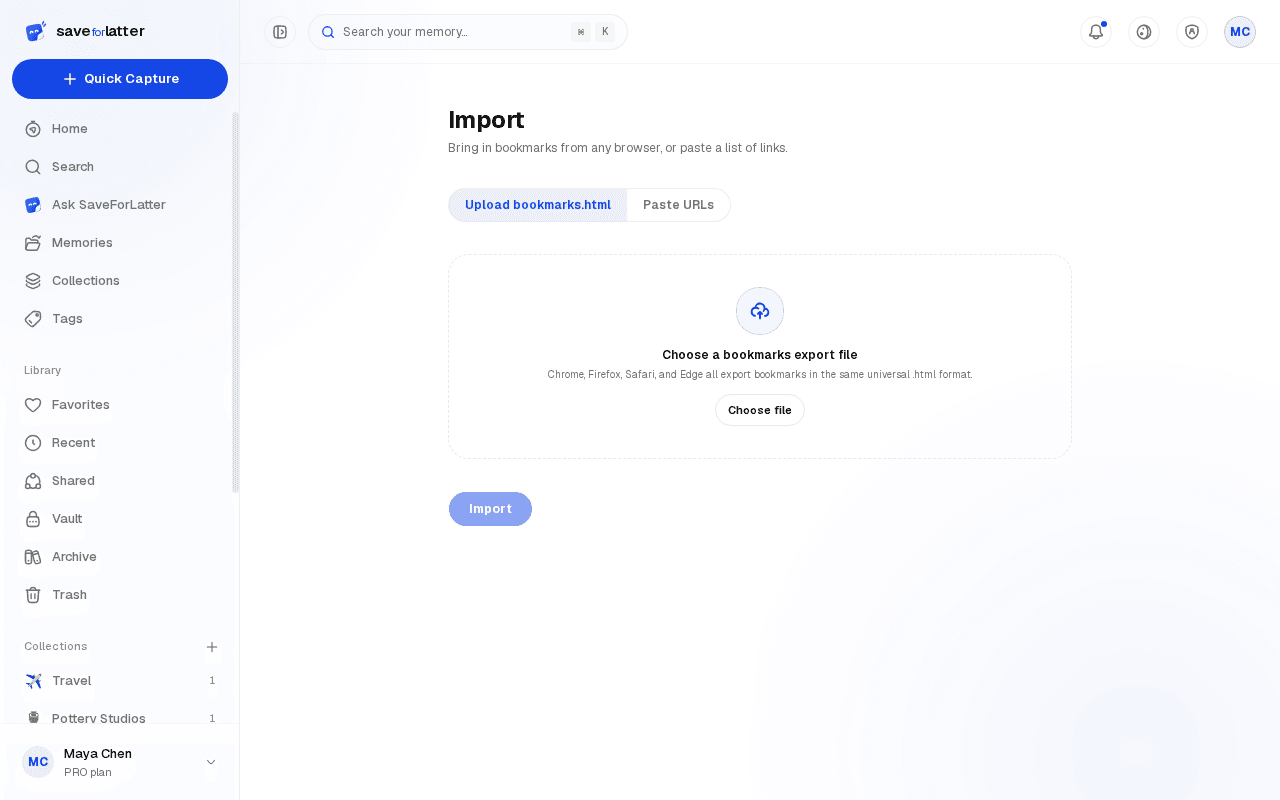
Bring in what you've already bookmarked elsewhere, all at once.
Export your bookmarks
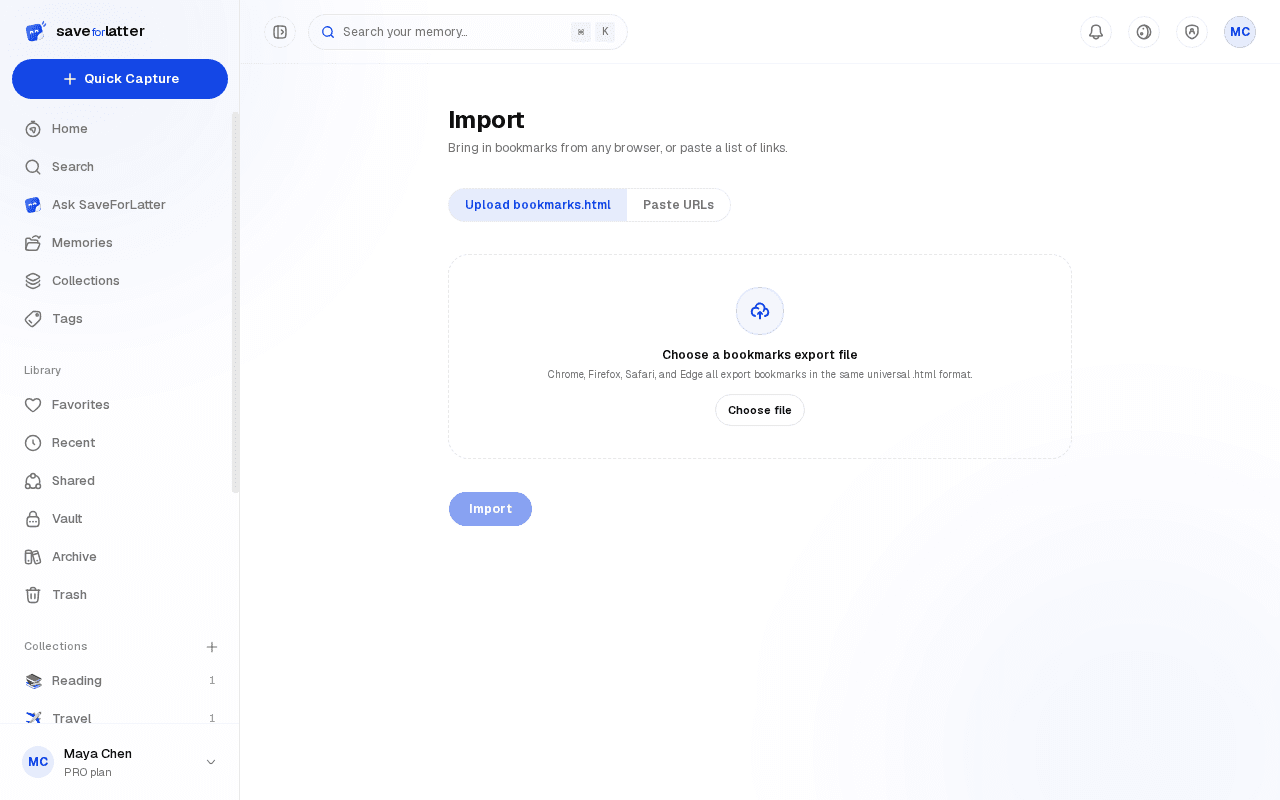
From your browser's bookmark manager, export them as an HTML file — every major browser supports this.
Upload it
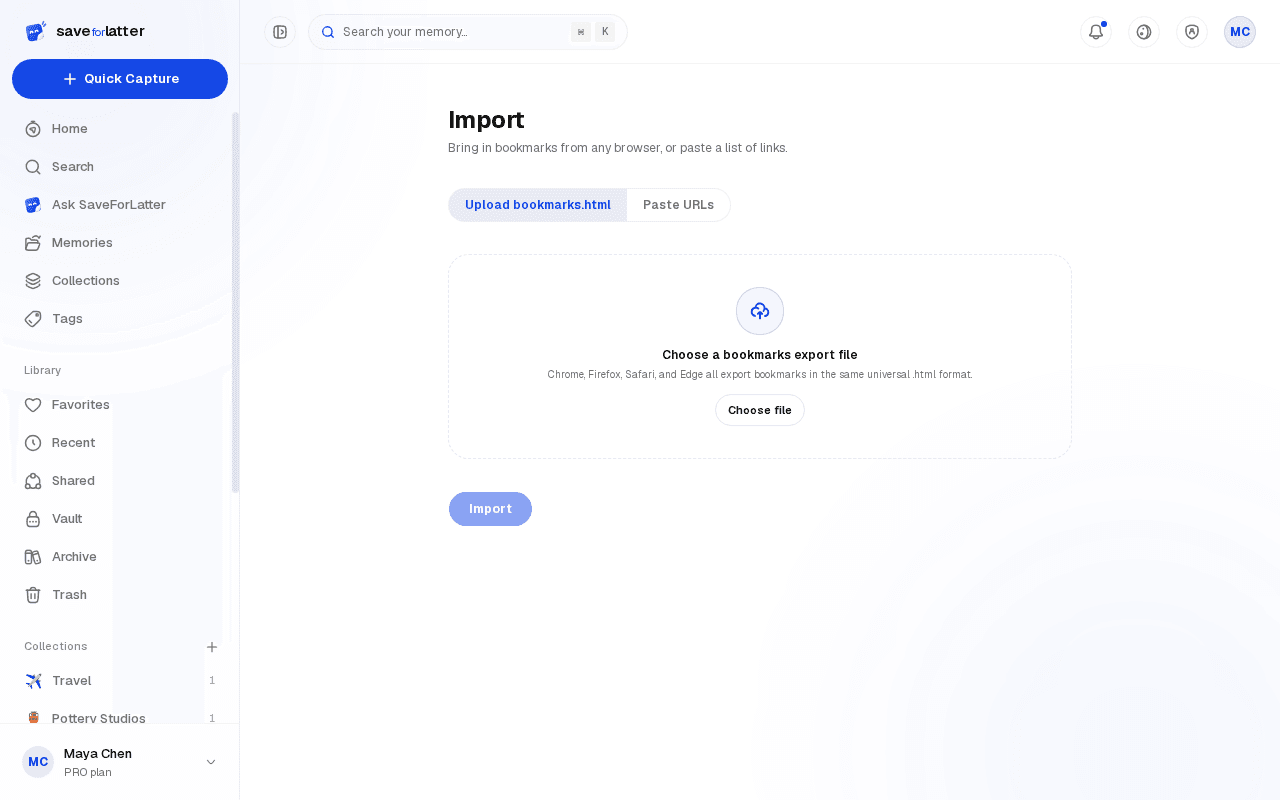
From the Import page, upload that file — or skip it and paste in a plain list of URLs instead.
Let it process
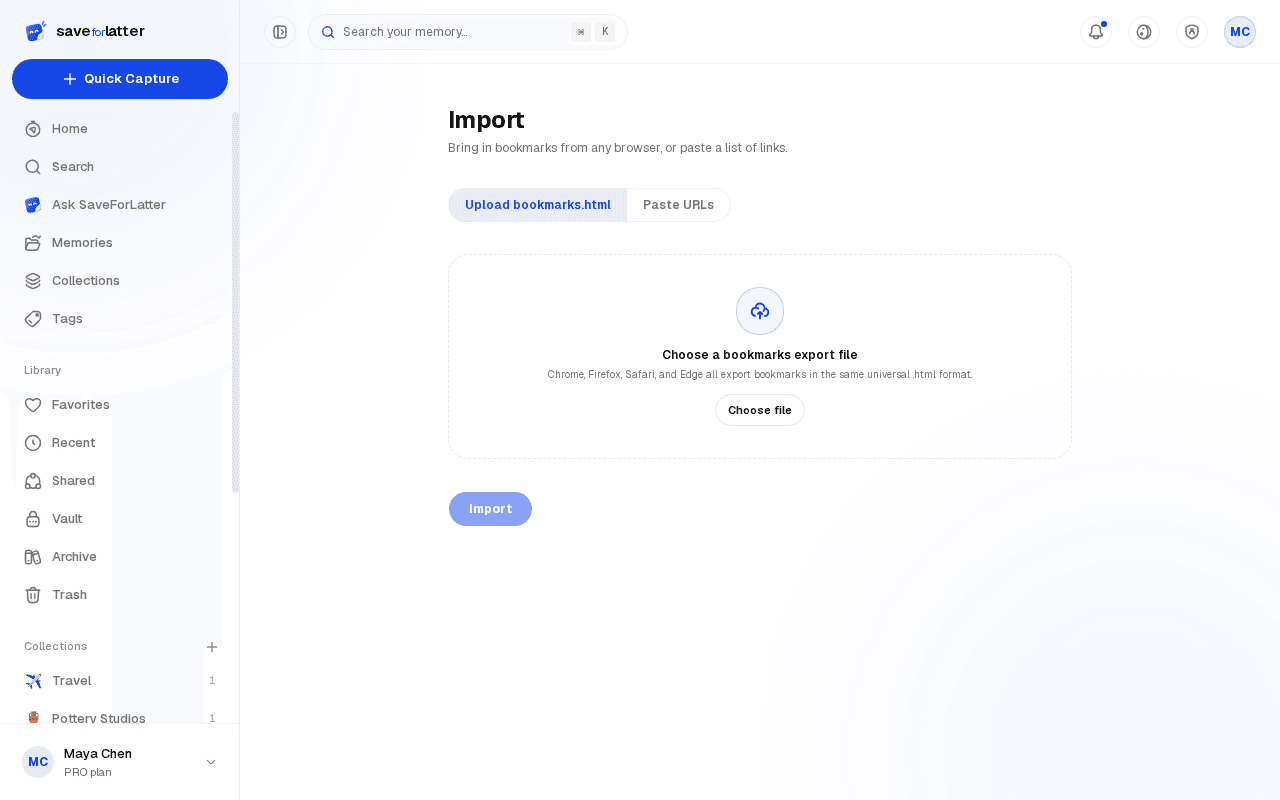
Each link is saved and queued for the same enrichment as anything saved directly, one by one.